Syncing is enabled in Version 2 after the inital conversions are done on the apps first launch
Syncing is done automatically in the backgorund, and the current status can be seen in the About screen in the iCloud Sync Section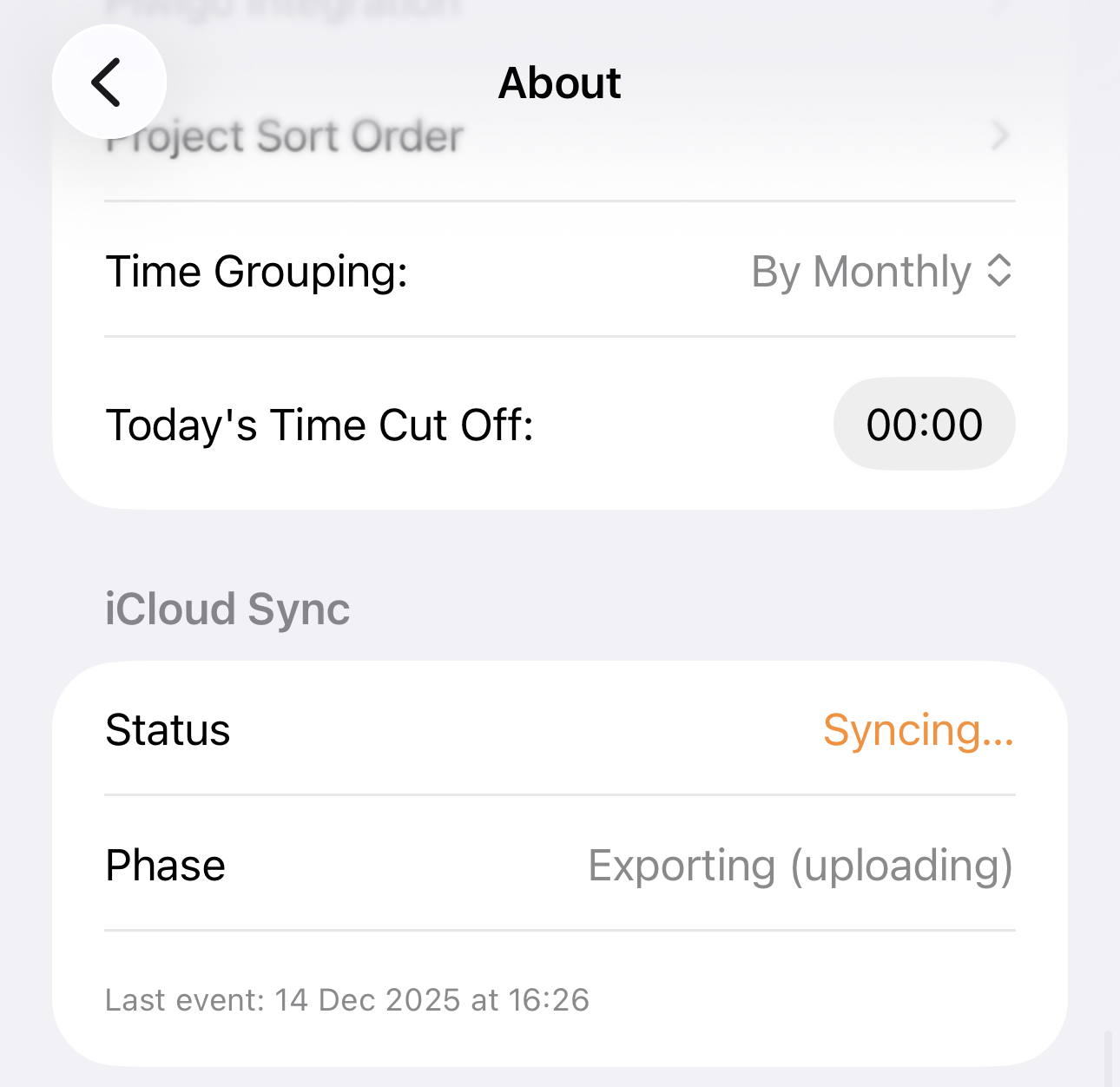
It will list the following statuses
- Idle - All syncs are complete
- Syncing...
- Importing (downloading) - Downloading changes from iCloud
- Exporting (uploading) - Uploading changes to iCloud
- Setup - Setting up the initial sync
Below the statuses it will show the last time the sync occured, and if there were any issues
- Error messages show in red
- Warnings show in orange
- Warnings are usually a tempory issue and will clear on their own