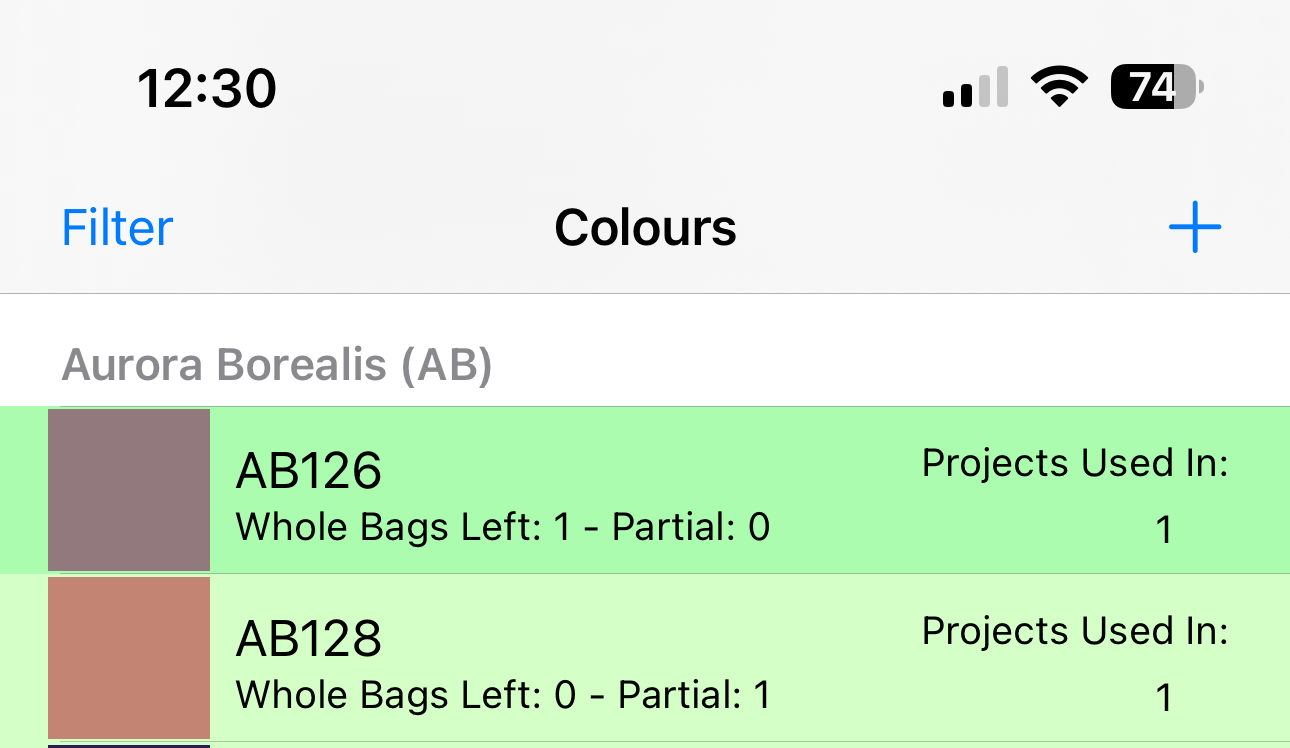
In order to add left over colours they must have been added to a project first.
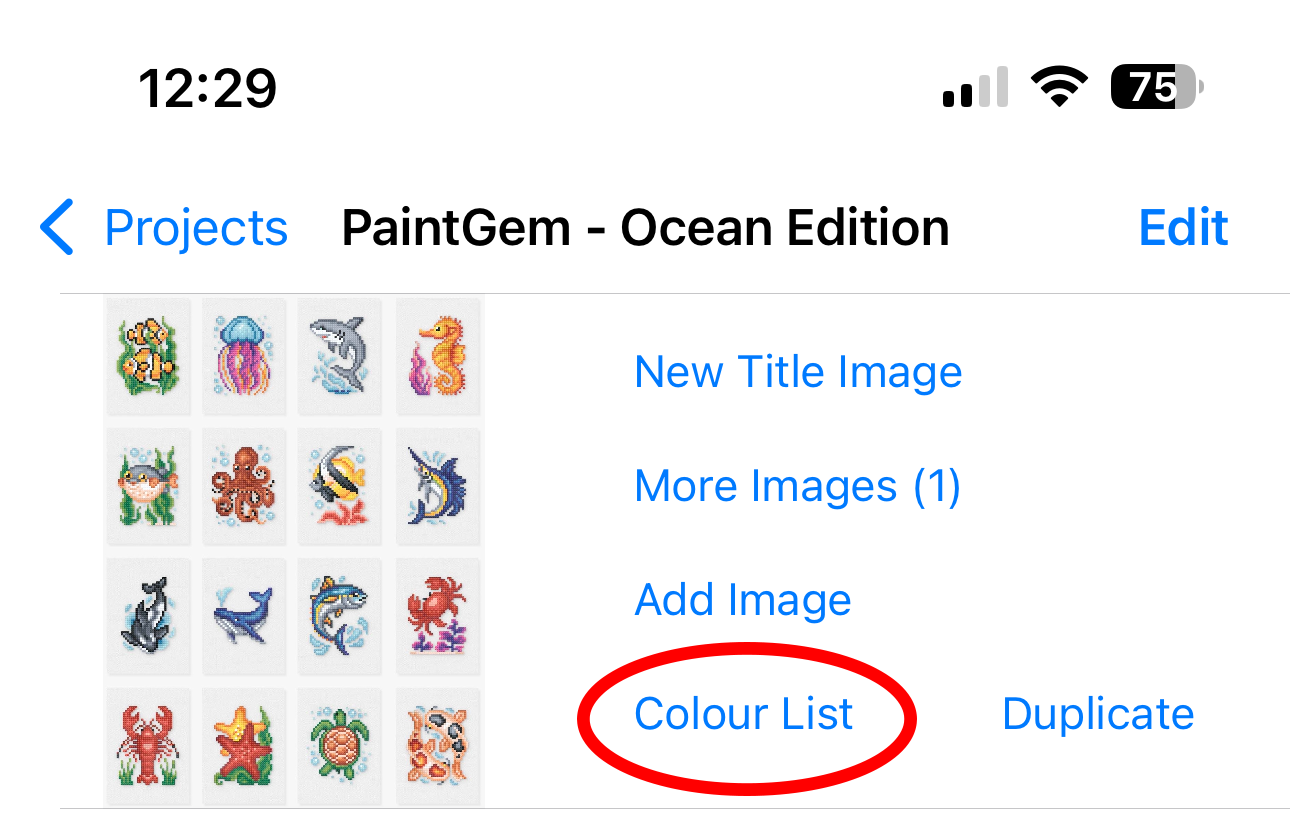
- Go to the project you wish to add the spares to, then select the Colour List option
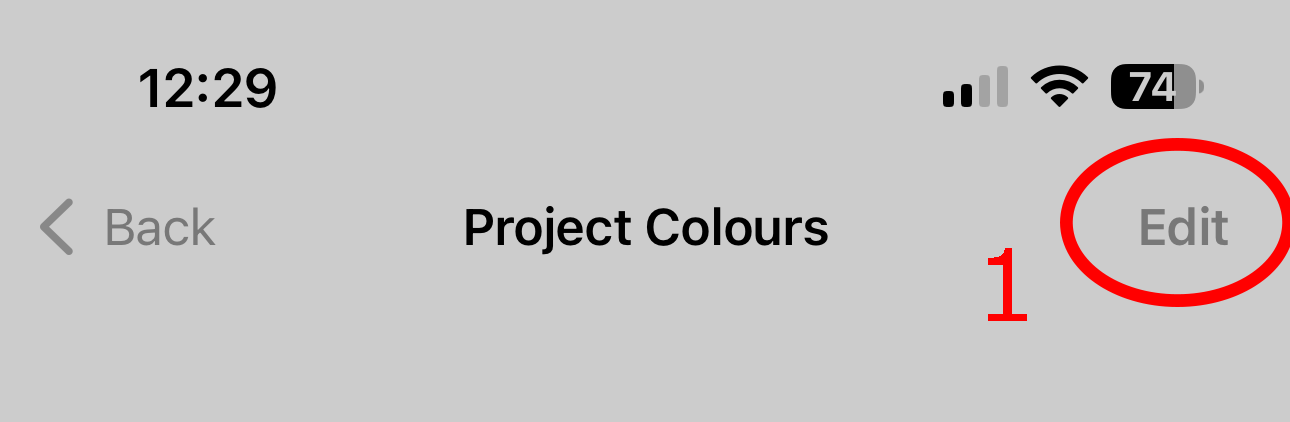
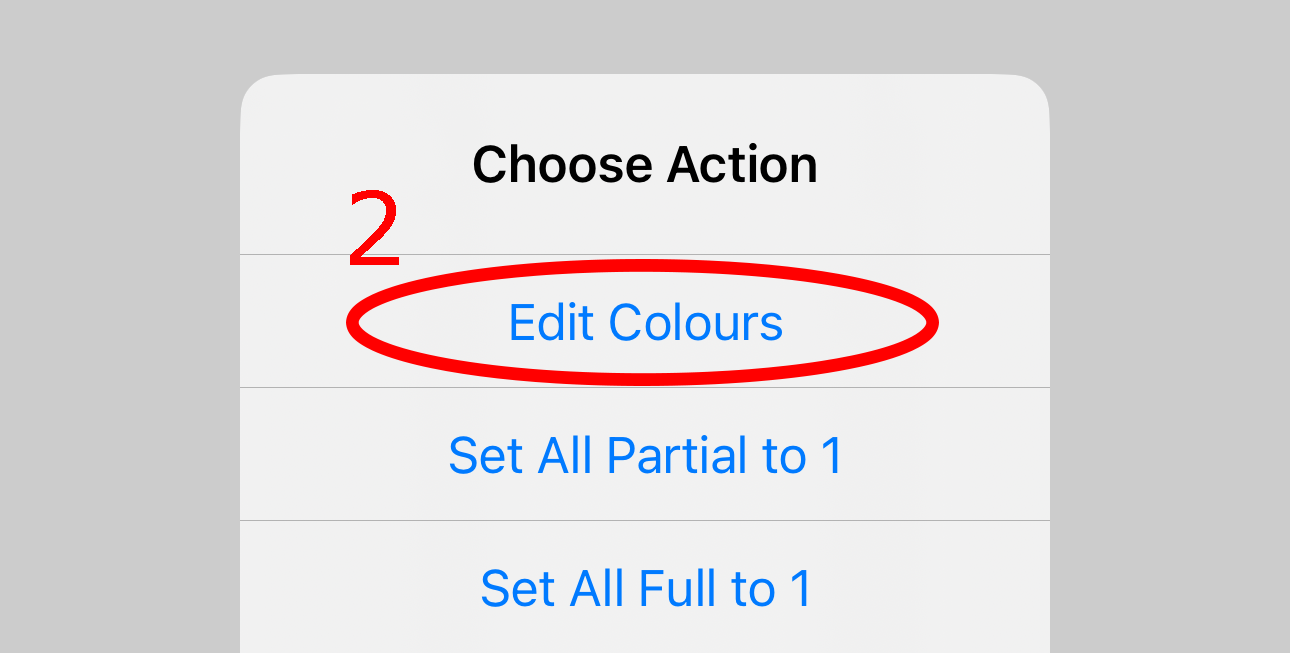
- If the list is blank, you will need to select Edit, then edit colours, otherwise go to Step 4
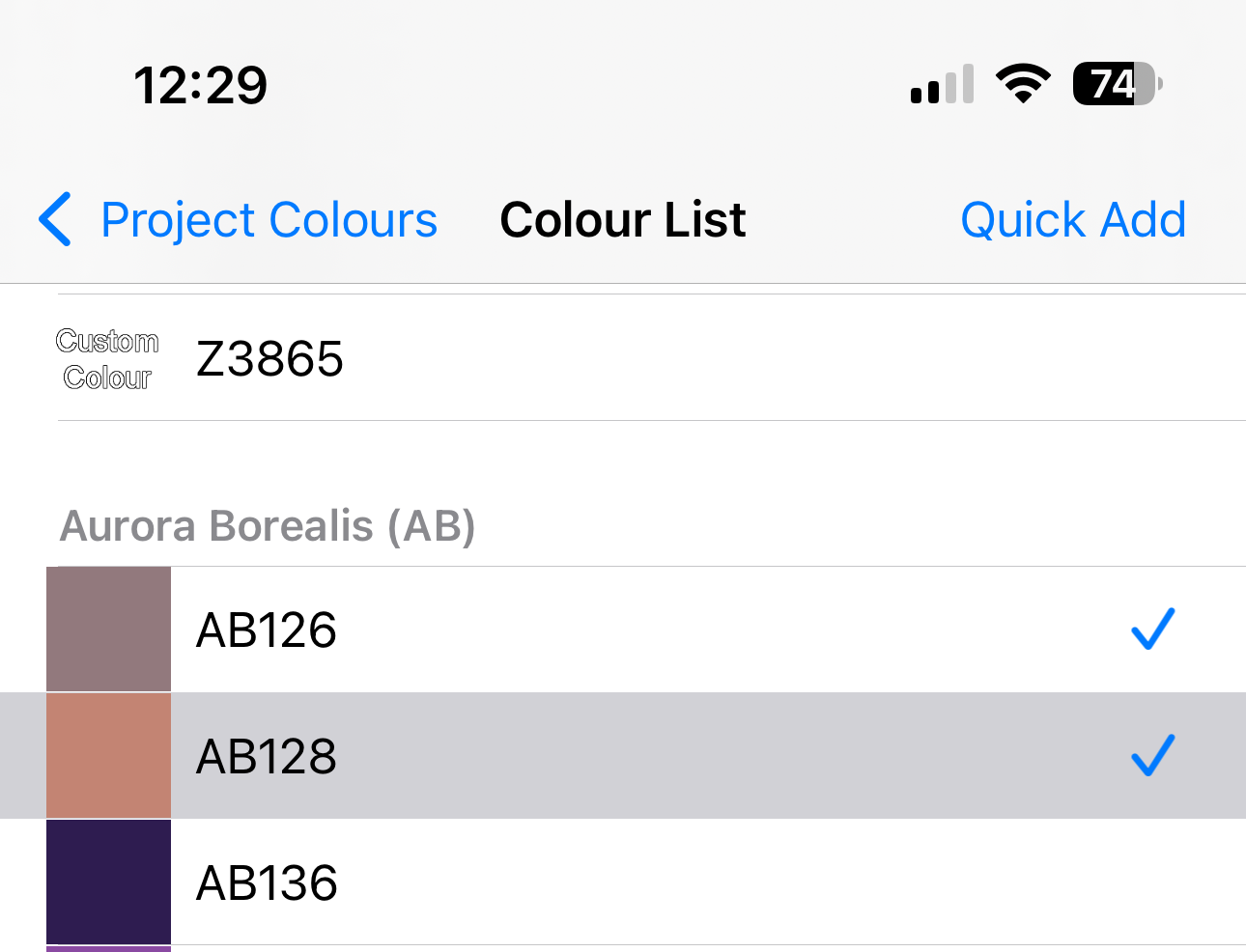
- Select the colours you wish to add. Those that are added will appear with a tick against them. Once that have all been selected, go back
- In the colours list, there will be two text fields, Whole bags and Partial bags. Enter the values here.
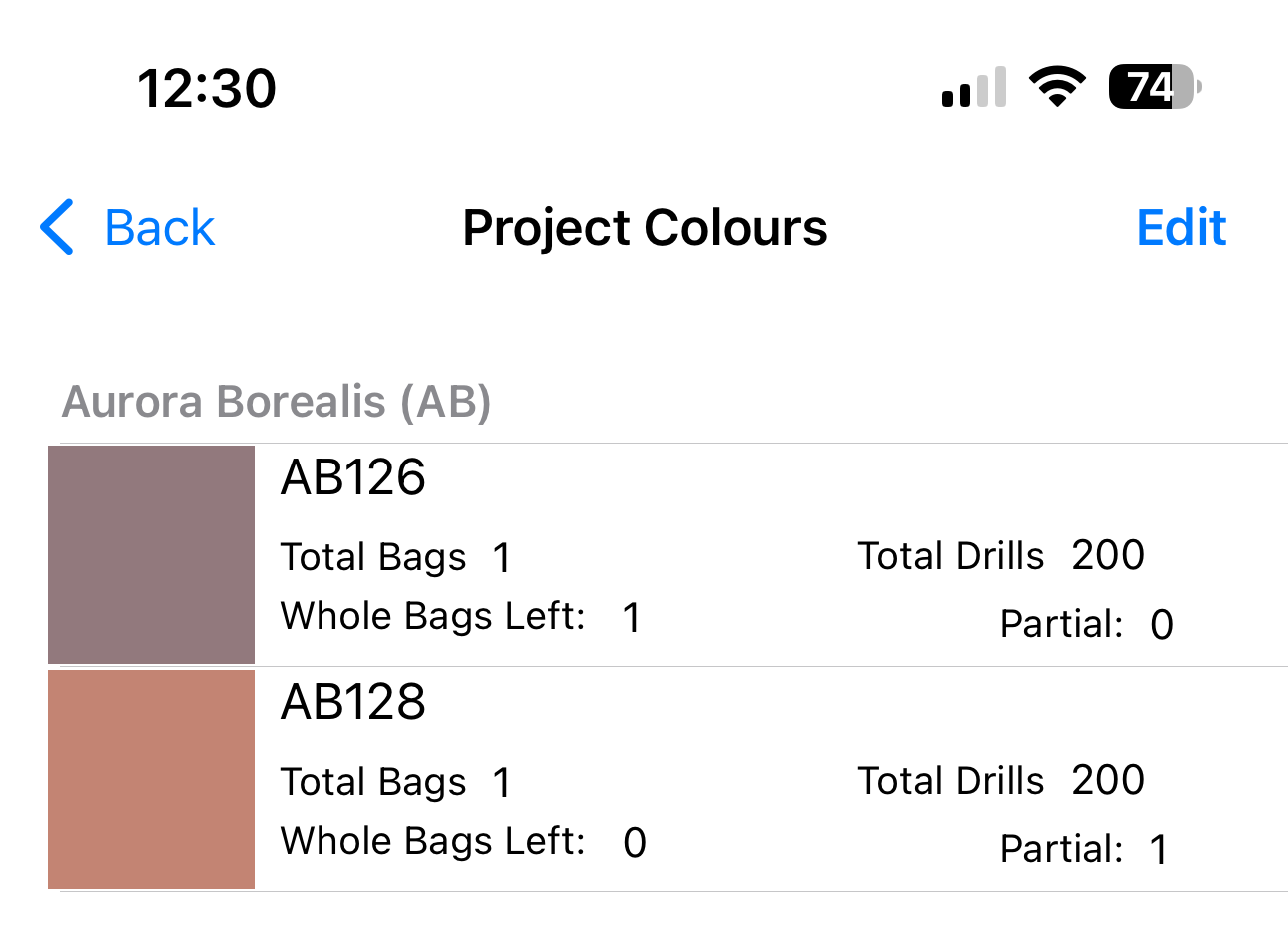
- They will now appear in the colours list