Follow the below to add colours from an image. This assumes you've already added an image
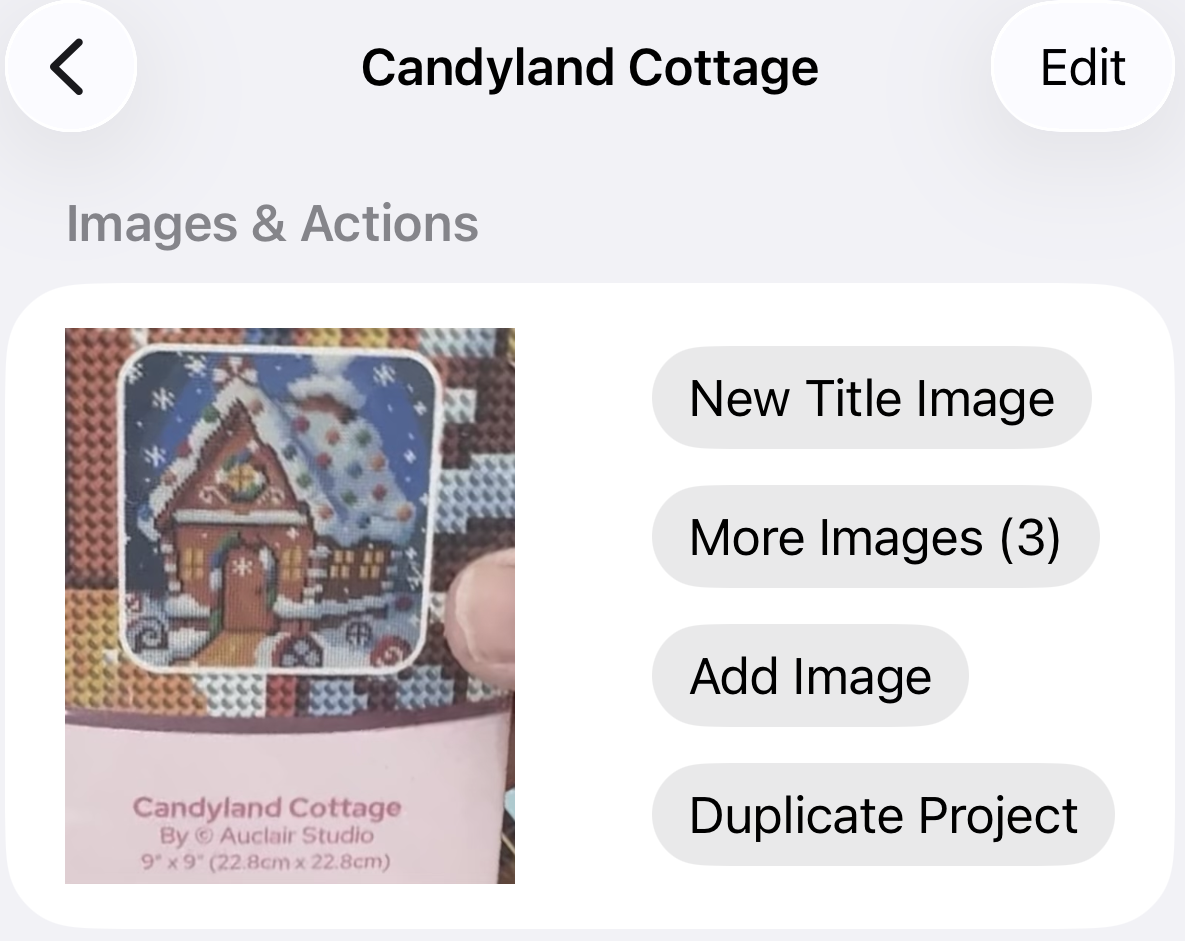
- Select the project you wish to update the colours for
- Select the More Images option
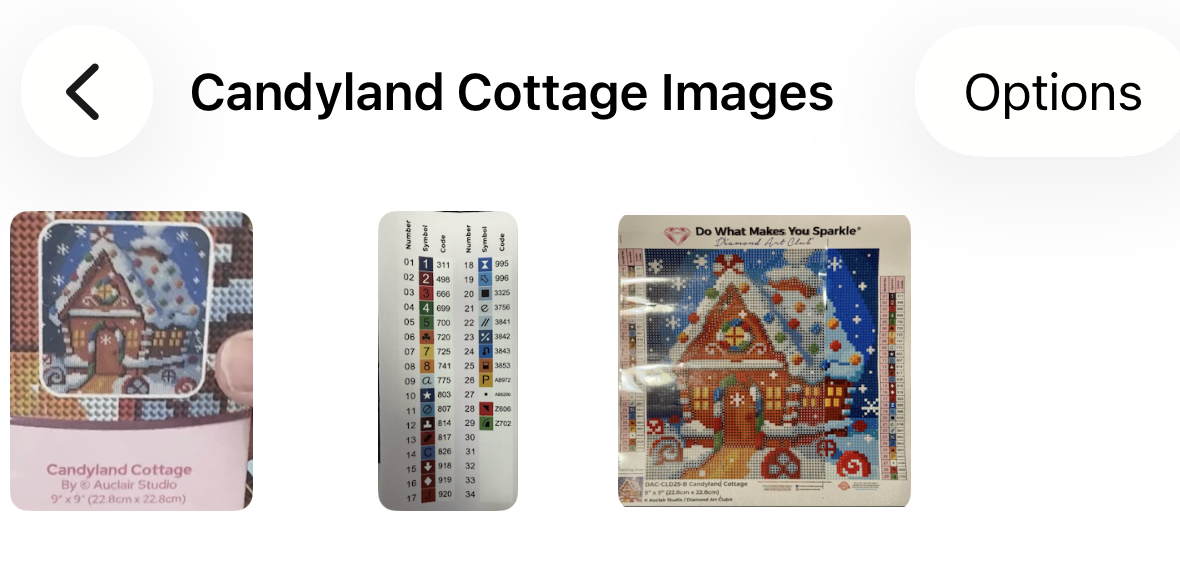
- Select the image that has the colour list you want to add
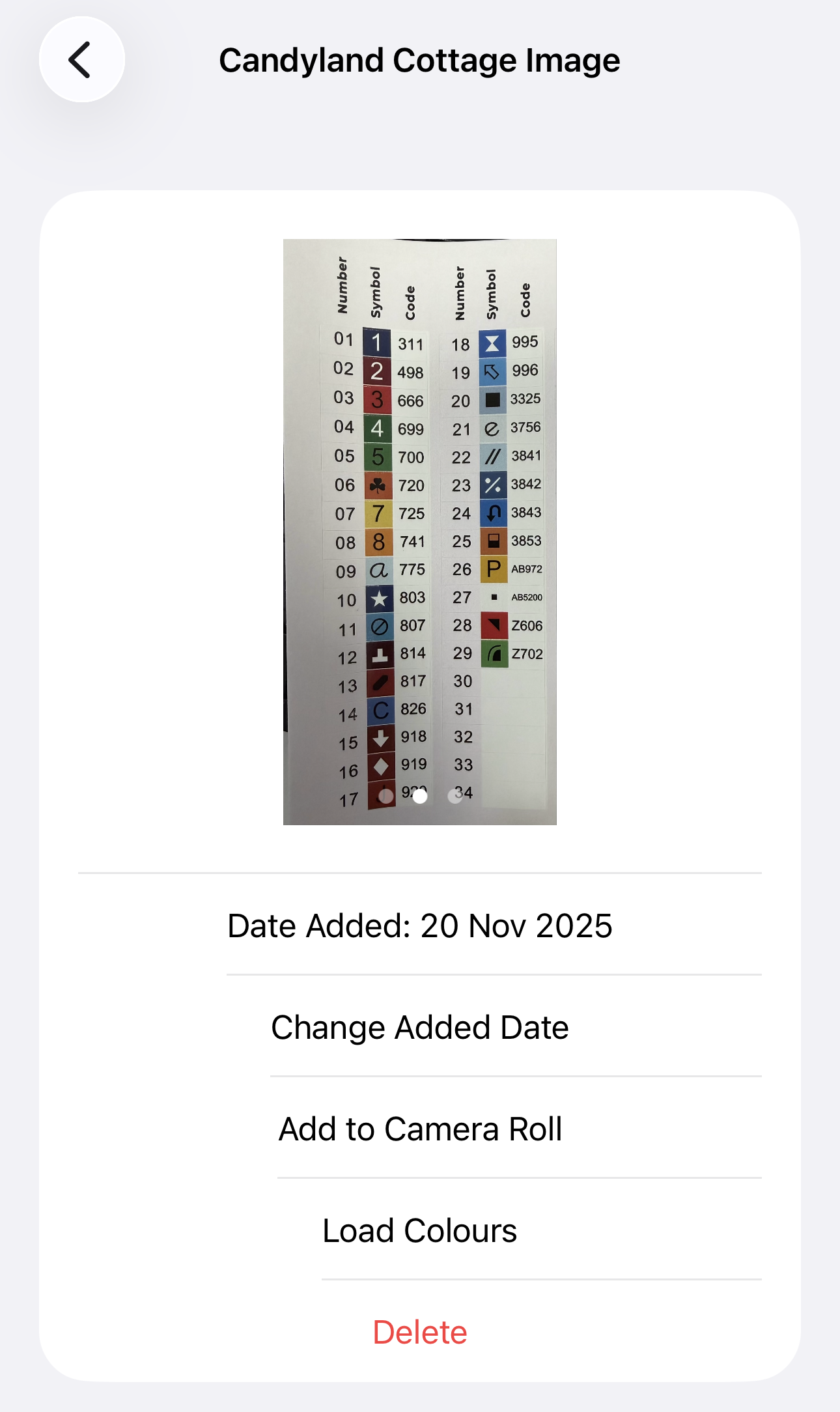
- Select the Load Colours option
- You will then get a successfully imported message, or a failure message. A failure message will list which colours failed to import

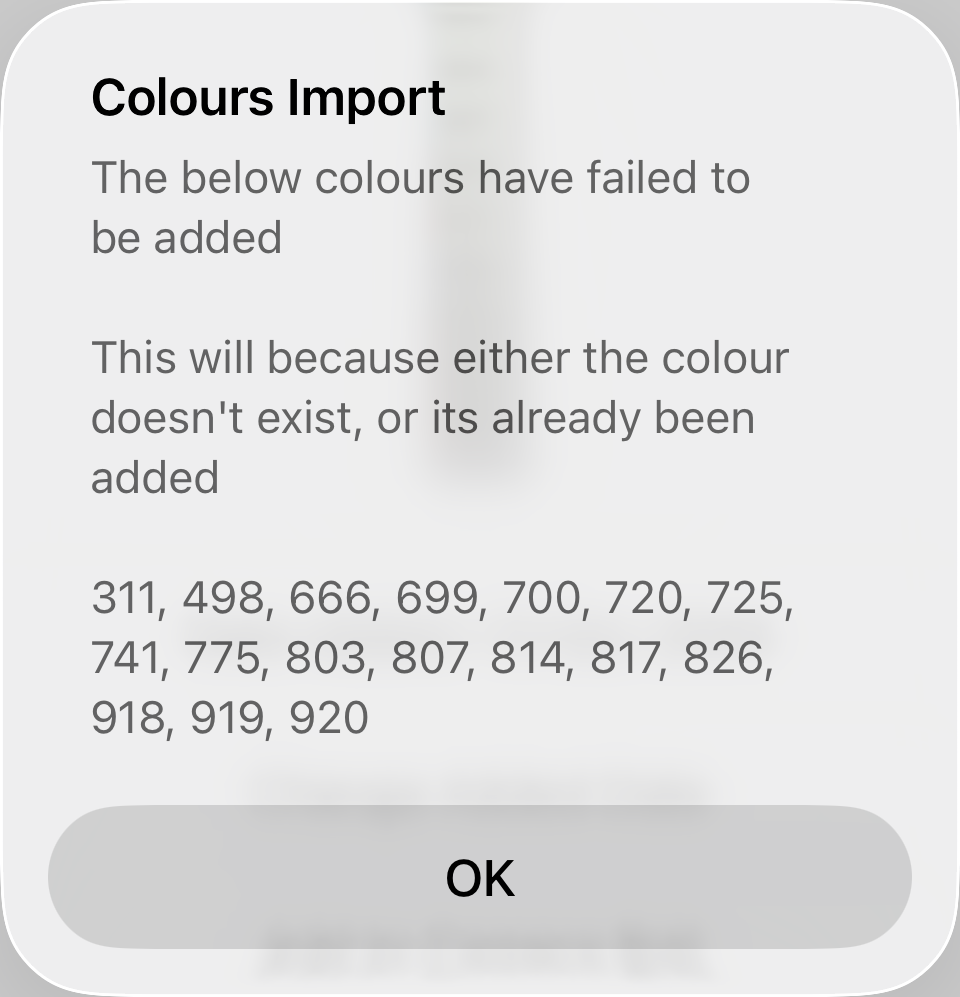
Success Message Failure Message