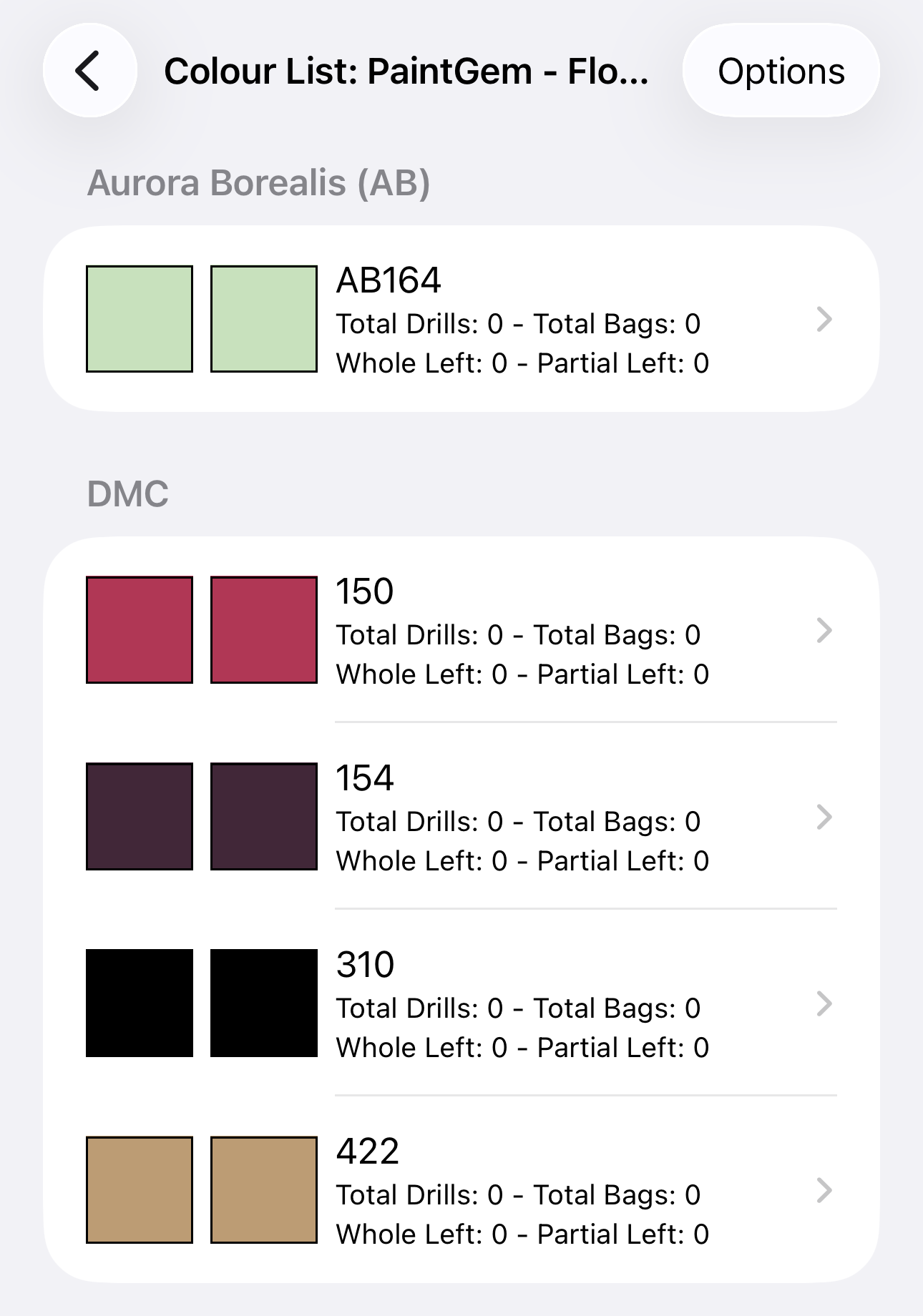
Follow the below to add multiple colours to a project
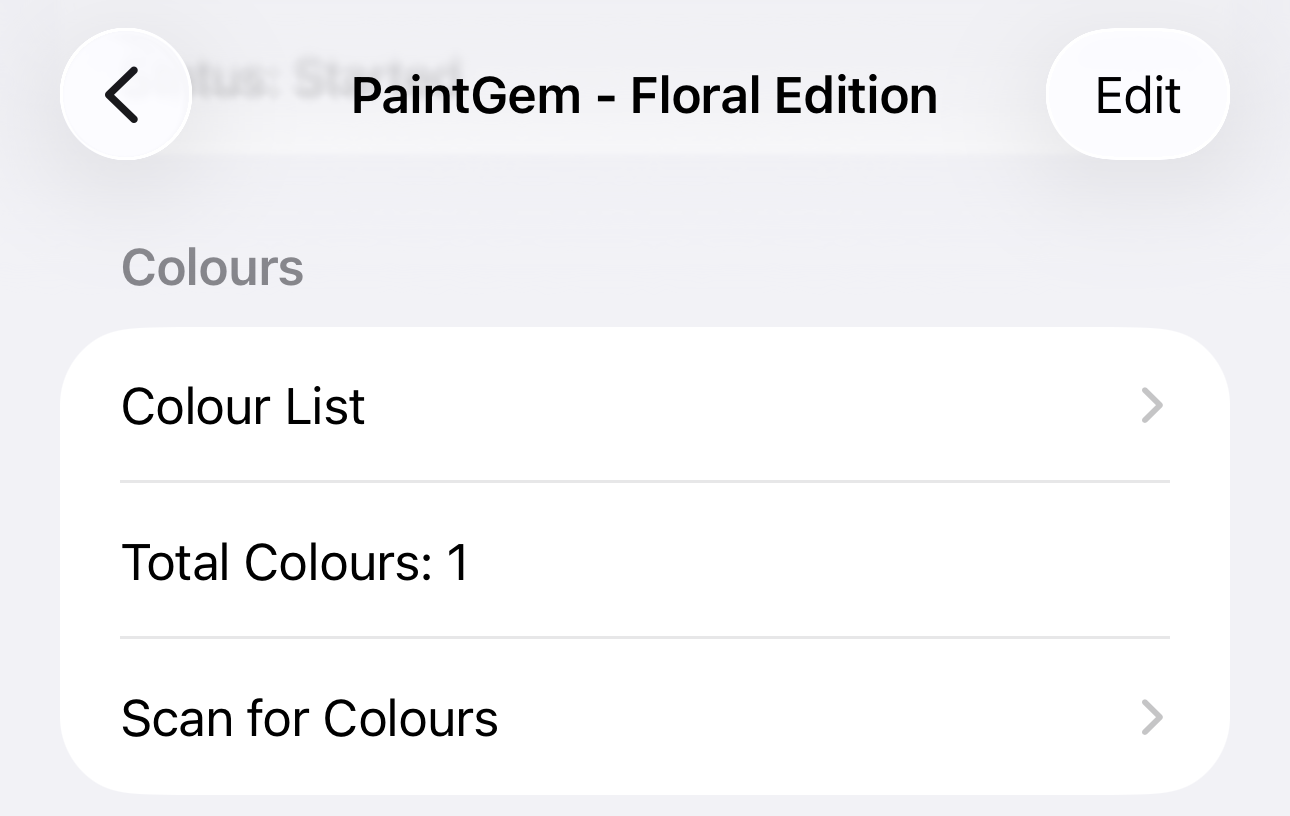
- Select the project you wish to update the colours for
- Under the Colours section, select Colour List
- Select Options, then Edit Colours

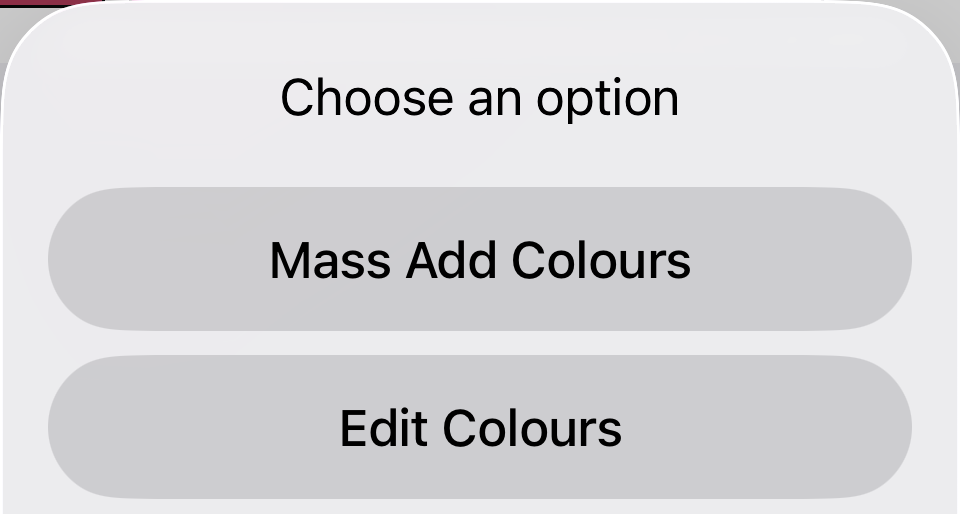
Select Options Select Edit Colours - Your will get a screen with a search bar, search for the colour you wish to add
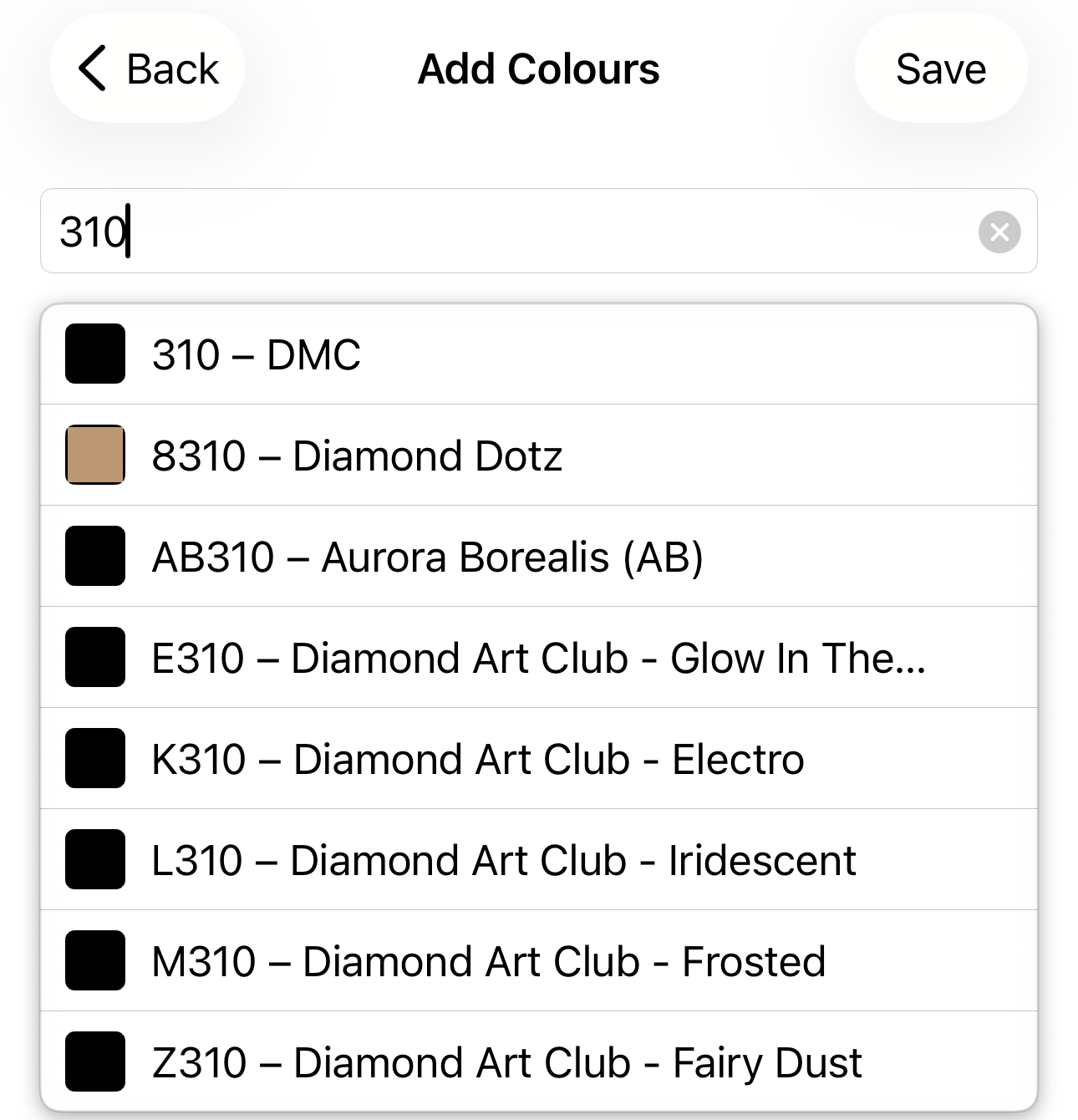
- Add multiple colours this way (note they aren't saved yet)
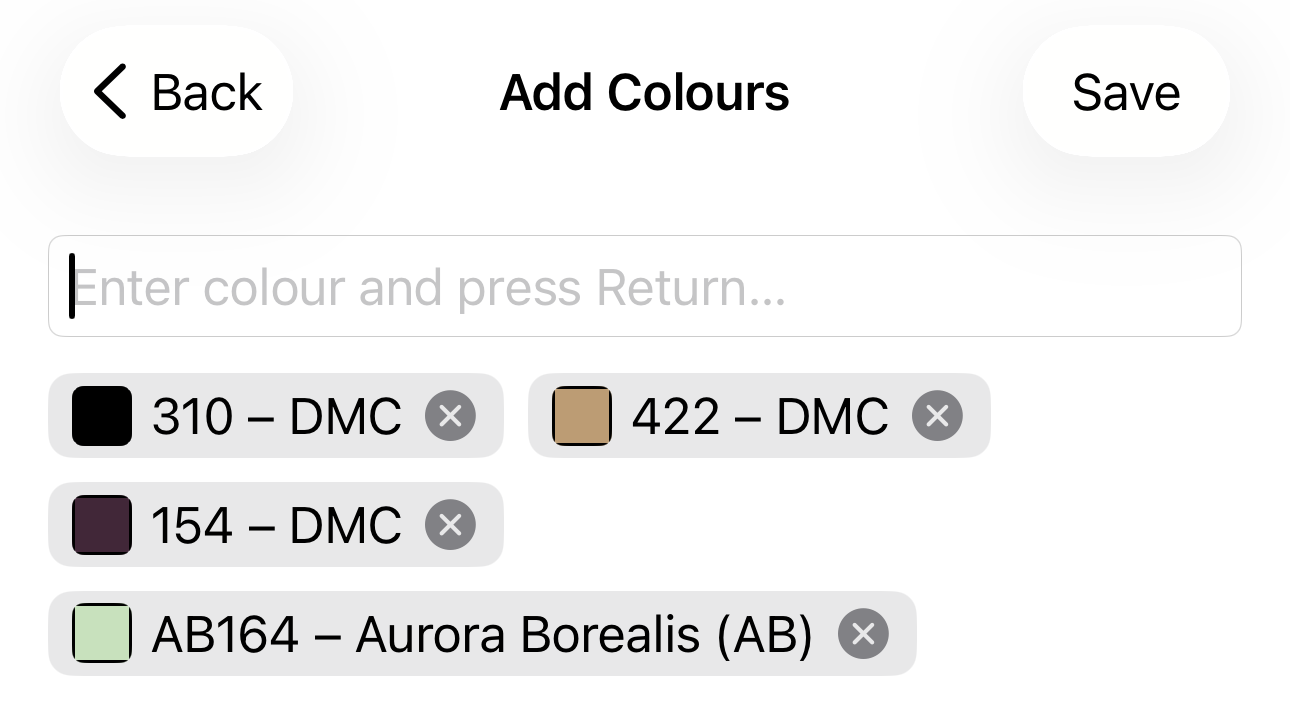
- Press Save, then you'll be sent back to the previous screen showing the colours which have been added