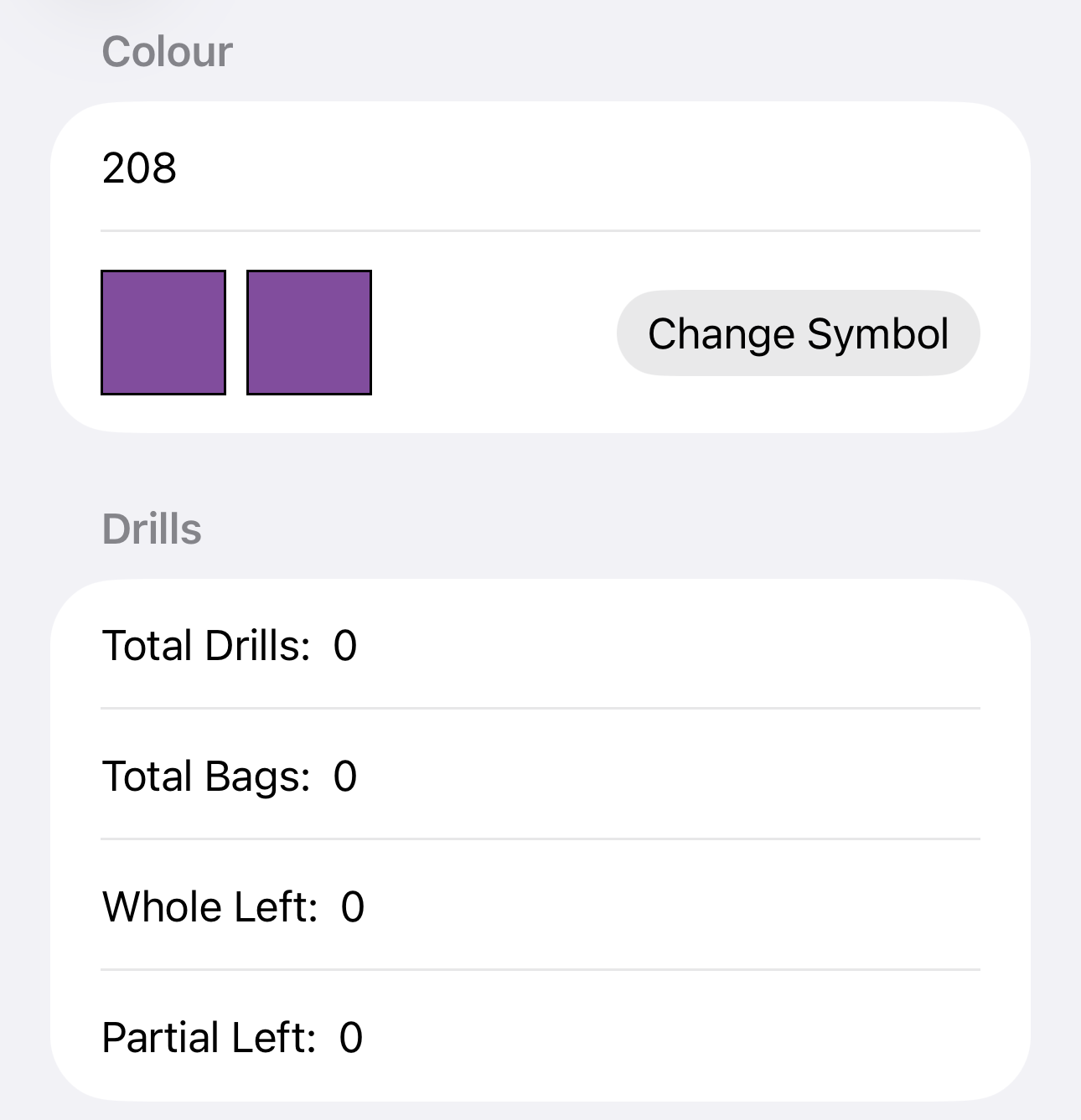
In order to add left over colours they must have been added to a project first.
- Go to the project you wish to add the spares to, then select the Colour List option
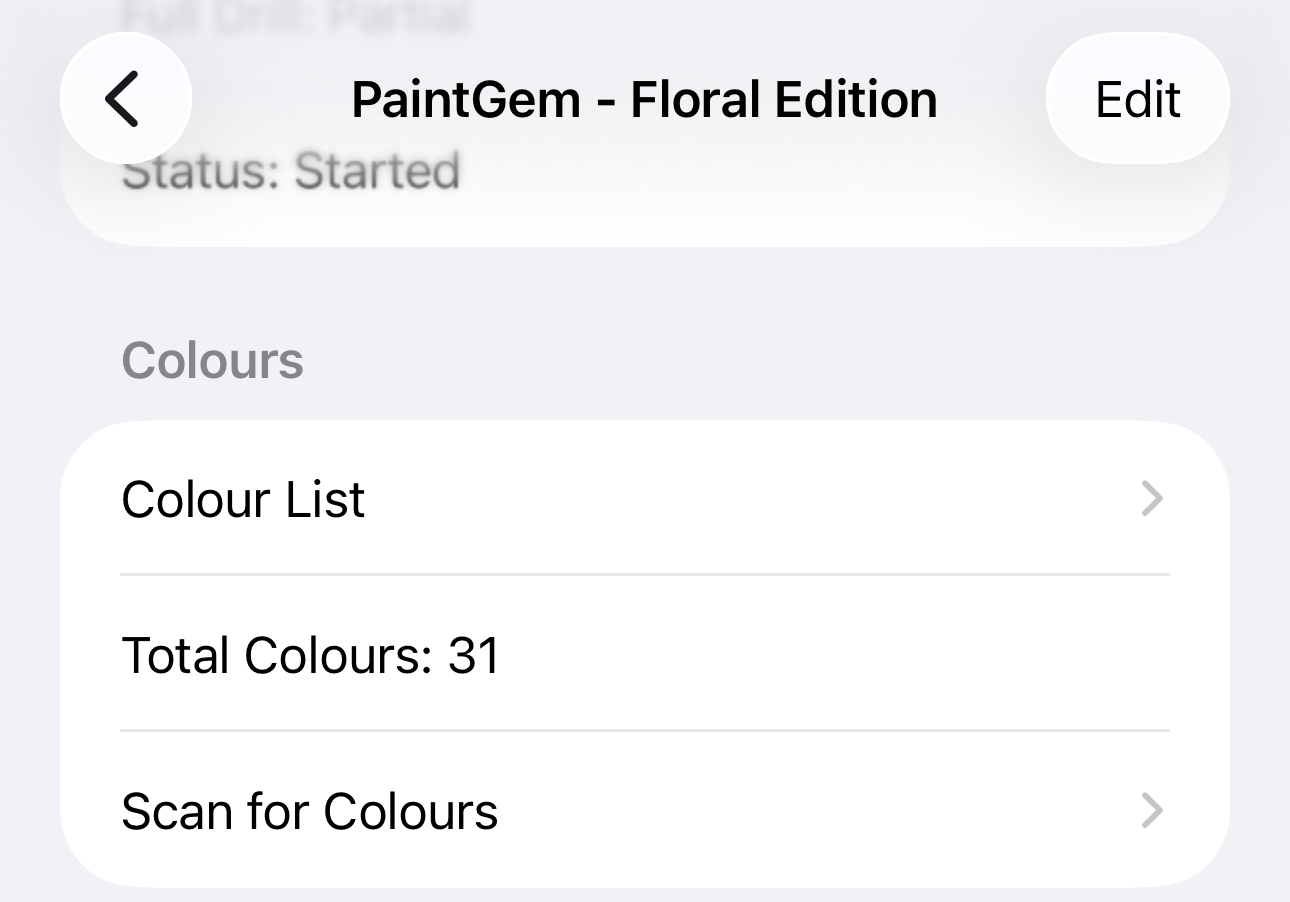
- If the list is blank, you will need to select Options, then either Mass Add Colours, or Edit Colours (Please see the Adding Colours Tutorial for full instructions), otherwise skip this step and go to 3

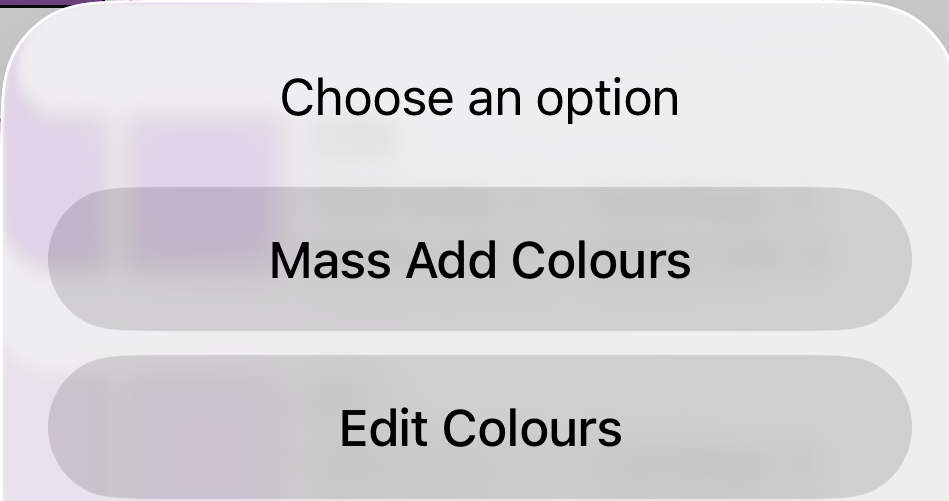
Select Options Select either Mass Add or Edit - There are two ways to change the number of leftover bags.
- To change all at once, you can select on Options, then on Set All Full/Partial to One
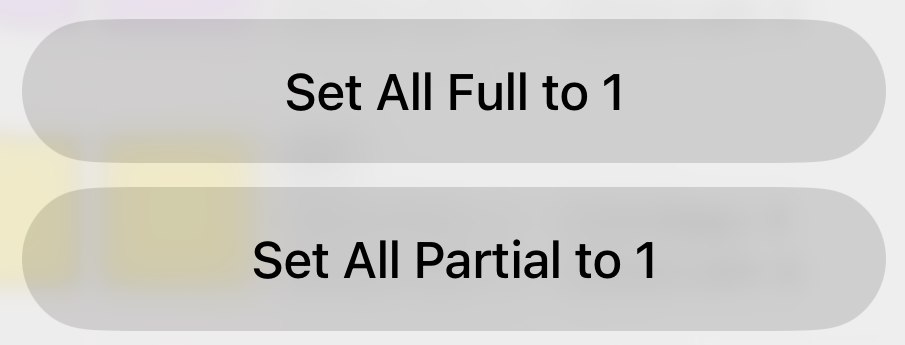
Select Options Seelct either of the Set to 1 buttons - To set colours individually, select on the colour you wish to change
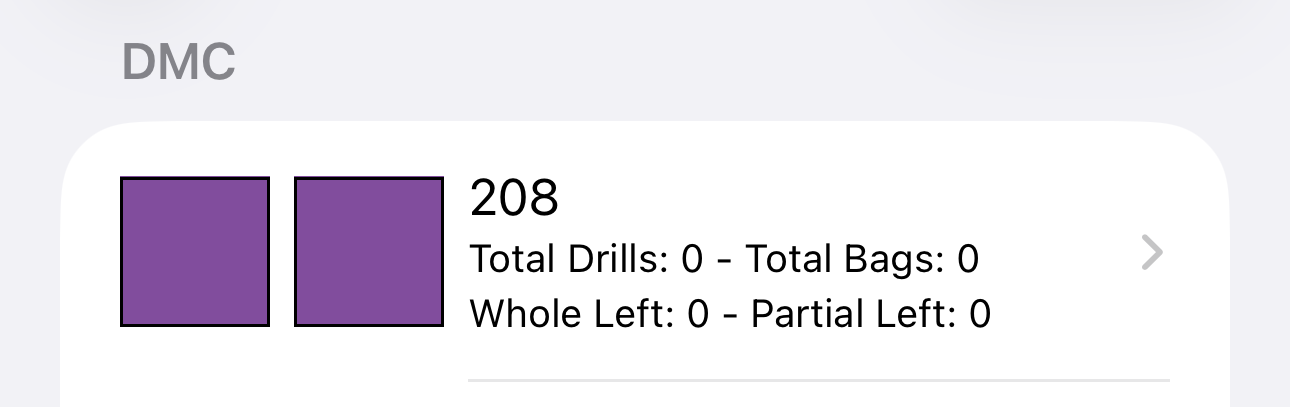
- This will load another view, where you can se the details of the colour